

Star Wars Zero Company Difficulty Settings and Beskar Mode
Mission difficulty tiers, Permadeath being on by default, what Beskar Mode's single save costs you, and how to set up a first campaign.

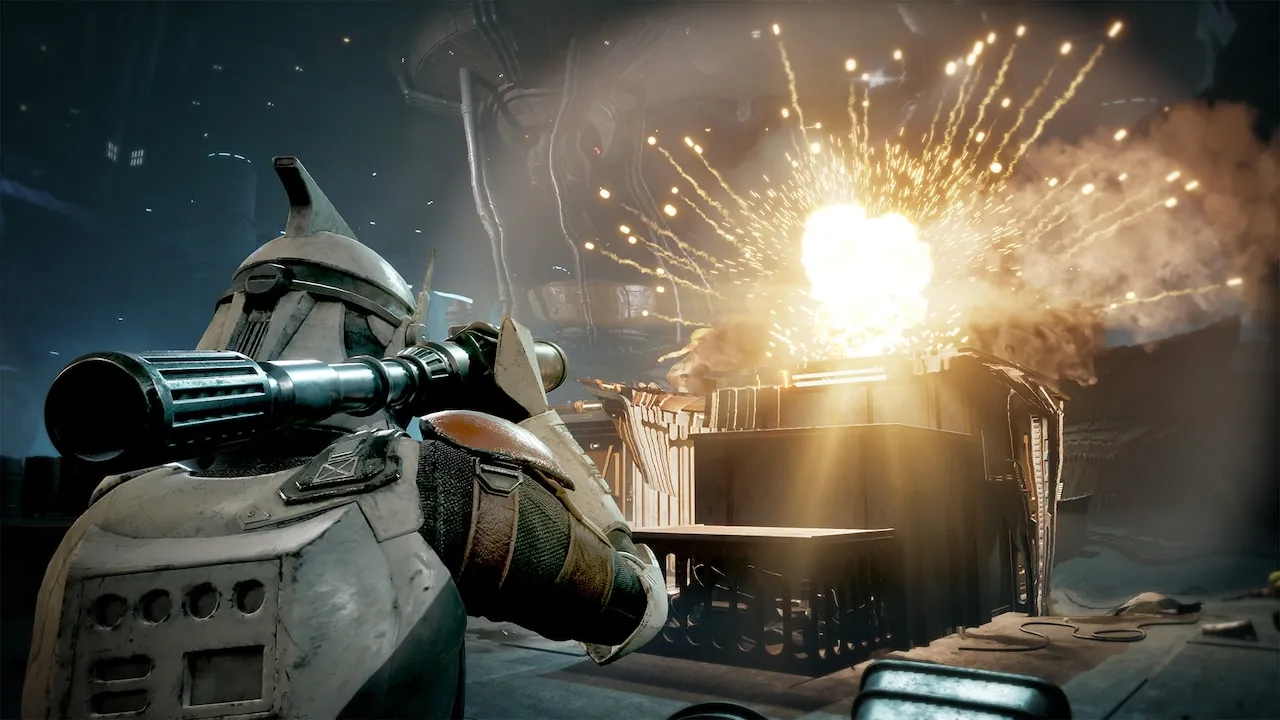
Start with the detail most people miss: Permadeath is enabled by default.
So if you begin without touching settings, three injuries on one Operator are permanent. If you want to learn the systems first, the first thing to do in-game is turn it off.
The difficulty tiers
Missions are labelled Risky, Dangerous and Extreme, and difficulty can be adjusted outside combat at any time, so a wrong pick does not cost you a campaign.
The label on the mission card is your main risk signal. Read it together with current injuries and gear before deciding whether the fight is worth taking.
One discrepancy worth stating plainly: a few external guide sites list a fourth tier, Cautious, ahead of Risky. That finer breakdown has no official wording behind it yet, so this page only reports the three confirmed tiers. If your in-game menu shows four, the game is the authority.
How Permadeath and Beskar Mode differ
The two get blended together, but they are separate layers:
| Permadeath | Beskar Mode | |
|---|---|---|
| What it is | A rule: an Operator with three injuries dies | A mode: your saves are limited |
| Default | On by default, can be turned off | Chosen deliberately |
| Main risk | Losing a key Operator | One save, no reload if a run goes wrong |
| Official patch note | 1.1 fixed save corruption from forced shutdowns | 1.1 fixed Beskar saves being temporarily deleted, plus a Beskar-specific crash |
Beskar’s pressure is not only the difficulty — it is having no second save behind you. The 1.1 note about Beskar saves being temporarily deleted exists precisely because a single save makes any failure a campaign-level loss.
Setting up a first campaign
- Turn Permadeath off first and use one full campaign to learn AP, cover, Overwatch and mission expiry.
- Judge difficulty per mission card. There is no need to run everything hot. Save Extreme for when injuries and gear are both clean.
- If you want Beskar Mode, confirm the save has written before every deployment, and update to 1.1 first.
- Do not experiment inside Beskar. Try new tactics on a normal run.
Players chasing the full achievement or trophy set usually need a high difficulty plus Beskar combination. Treat that as a challenge route and schedule it for a second playthrough.
Related reading: 1.1 patch notes and known issues, your first Cycle and gameplay systems.
Sources: the official StarWars.com guide (difficulty range and outside-combat changes), the official launch FAQ (27 August 2026) (Permadeath default), and the official 1.1 patch notes (9 September 2026) (Beskar save fixes).