

Star Wars Zero Company on Steam Deck: Compatibility Notes
What the official PC listing proves, what independent Deck testing found, and the performance note 1.1 added for older GPUs.

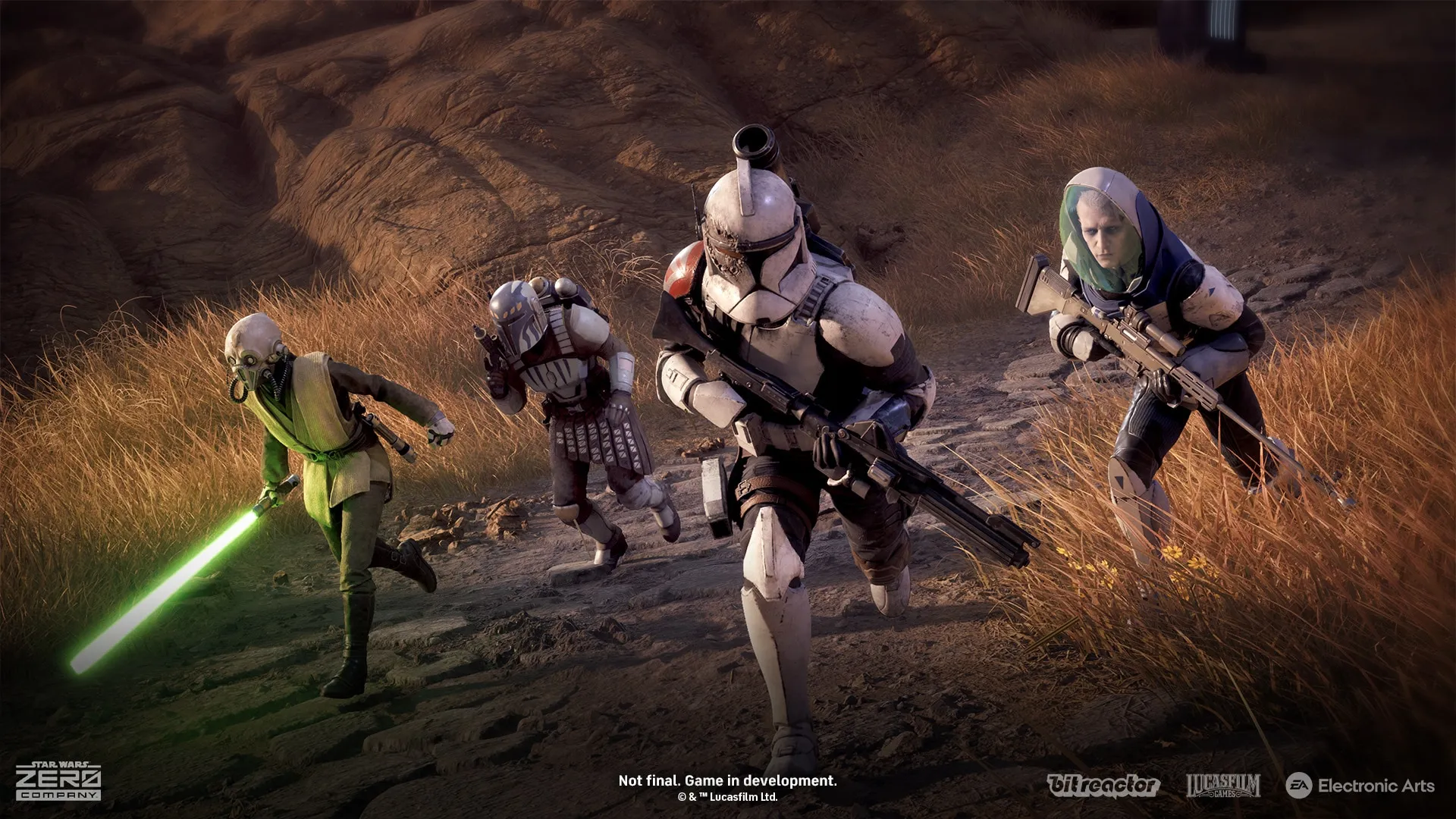
The current buying answer: do not buy Zero Company specifically for Steam Deck.
PC Gamer measured roughly 15–20 FPS at minimum settings with maximum FSR and found the image hard to read. Polygon reported stutter, slow enemy-turn loading and mission freezes. PC Gamer also hit hard crashes and severe graphics errors.
Steam lists the PC version, but the official launch material provides no Steam Deck Verified certification. Playing on Deck is therefore a compatibility experiment rather than a promise of console-like stability.
What the sources actually prove
The Steam store page is the authoritative place for the PC listing and the current Valve compatibility badge. The Steam Deck HQ test is an independent report, not a Valve certification, and it does not speak for every Proton version. The PC Gamer review and Polygon review are independent tests as well, not EA promises or a permanent Valve status.
Why waiting is the safer call
Those reports are not only about framerate. Loading, stutter, mission freezes and crashes all appear.
The safer route is to wait for an official performance update or a changed compatibility badge, then run a real mission before buying for Deck.
What 1.1 can improve
The official 1.1 patch notes include a section for minimum-spec players: on a minimum-spec Nvidia GTX 10-series or RTX 20-series card, set Options → Graphics → Environment Geometry Detail to Off to lower geometry processing overhead and stabilise framerate. EA also updated the minimum suggested driver messaging, so install the current Nvidia or AMD game-ready driver.
That guidance targets minimum-spec desktop PCs. It shows EA is working on performance, but it does not change the Steam Deck verdict: the official launch FAQ states the game will not be Steam Deck Verified at launch and has not promised a change.
How to check before installing
- Read the current Steam compatibility badge on the day you install.
- Check the Proton version and the newest community test after each major patch.
- Skip the title screen and run a real mission, watching frame pacing, shader compilation, controls and battery use.
- Recheck after updates; store descriptions do not fix performance numbers.